Forgot Password?
The Registration process is required for USERS to access the BIMA Construction and BIMA Projects applications.
Forgot Password?
1. Open Forgot Password Form
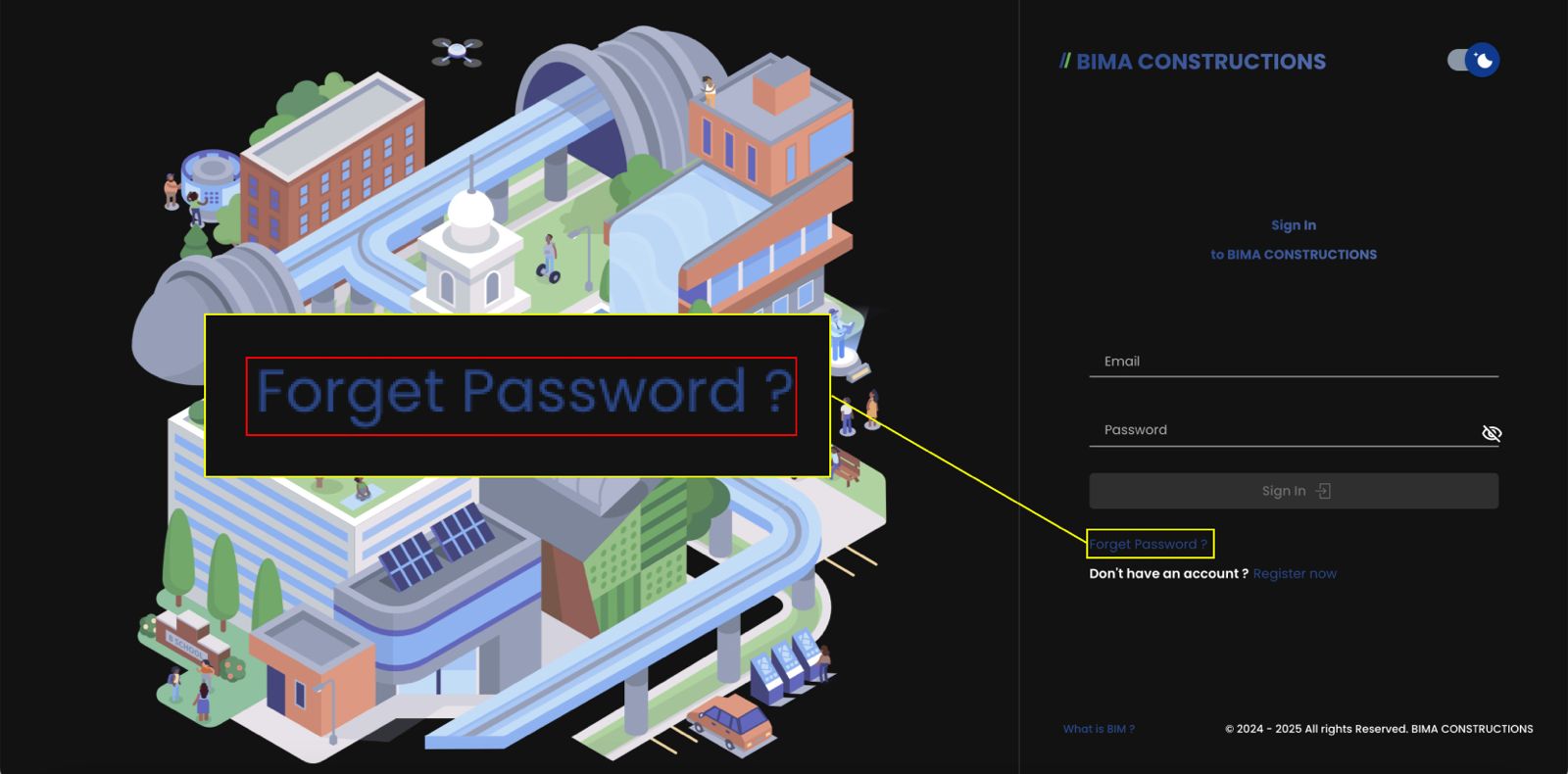 When USER is on the
 Sign In page of the BIMA Construction application, USER can click the Forgot Password? link to go to the forgot password request page.
2. Fill in the Form
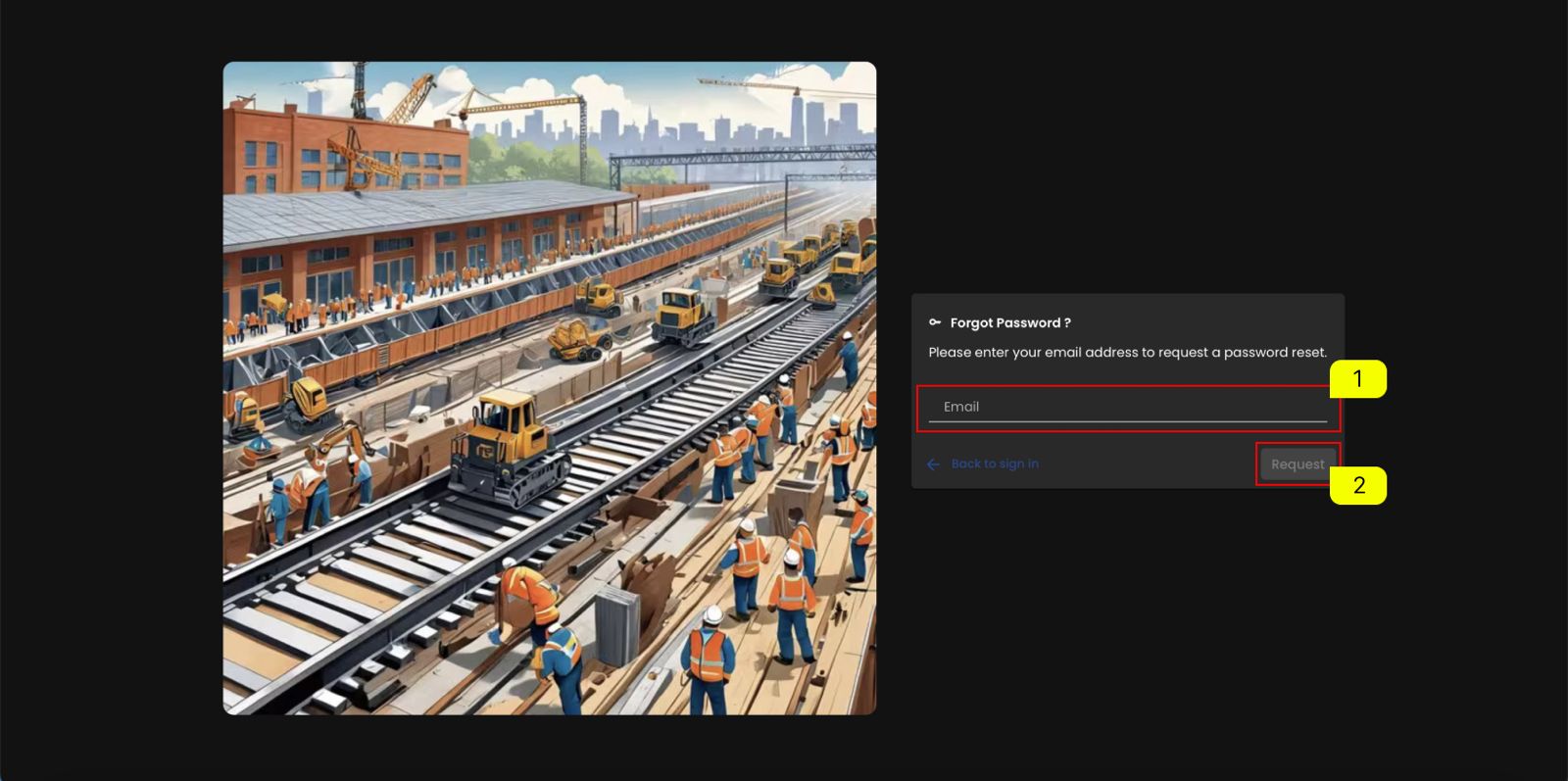
- In the
Forgot Password?request form USER can fill in the email address of the account that USER forgot the password for. - After USER fills in the
Forgot Password?request form correctly, USER can click theREQUESTbutton to end and send a password reset request to Admin.
3. Password reset link in email
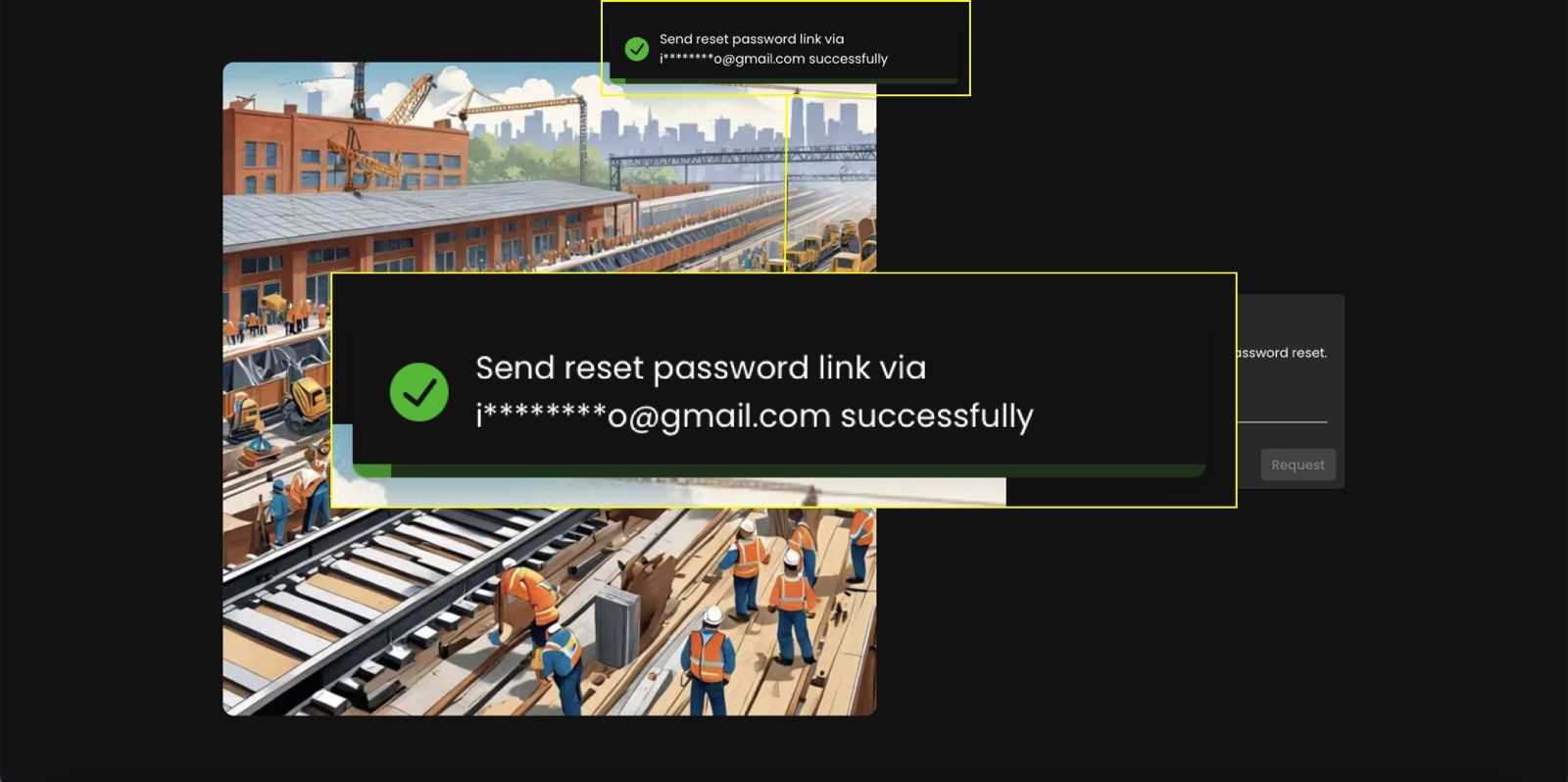 After requesting a password reset, a message will appear asking you to check your email for the reset link.
4. Check Your Email Inbox
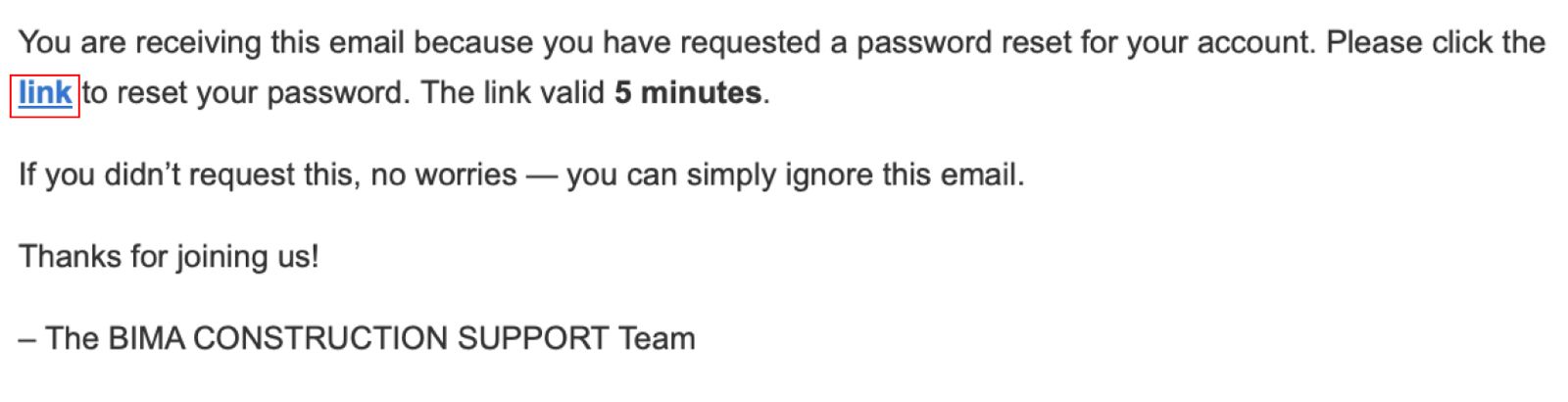 USER will receive an email containing a reset link after requesting a password reset. Click the
 link to create a new password. The link is only valid for 5 minutes, so make sure to complete the process before it expires.
5. Fill in new password
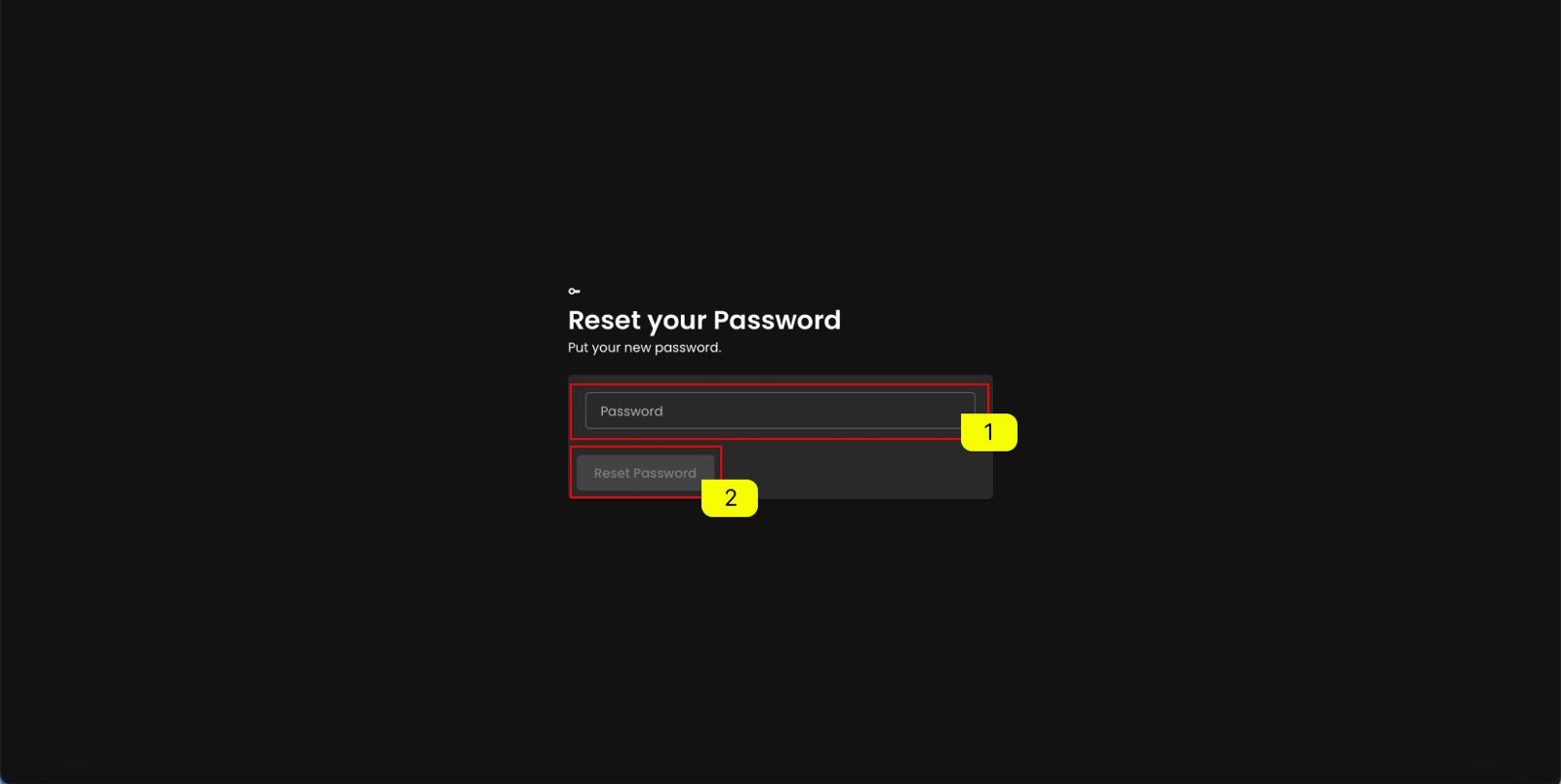 After accessing the Reset your Password page:
- Fill in the Password input field with your new password.
- Click the
Reset Passwordbutton to confirm and save your new password.